AI-Generated Sign Artwork: Why Vector Files Matter
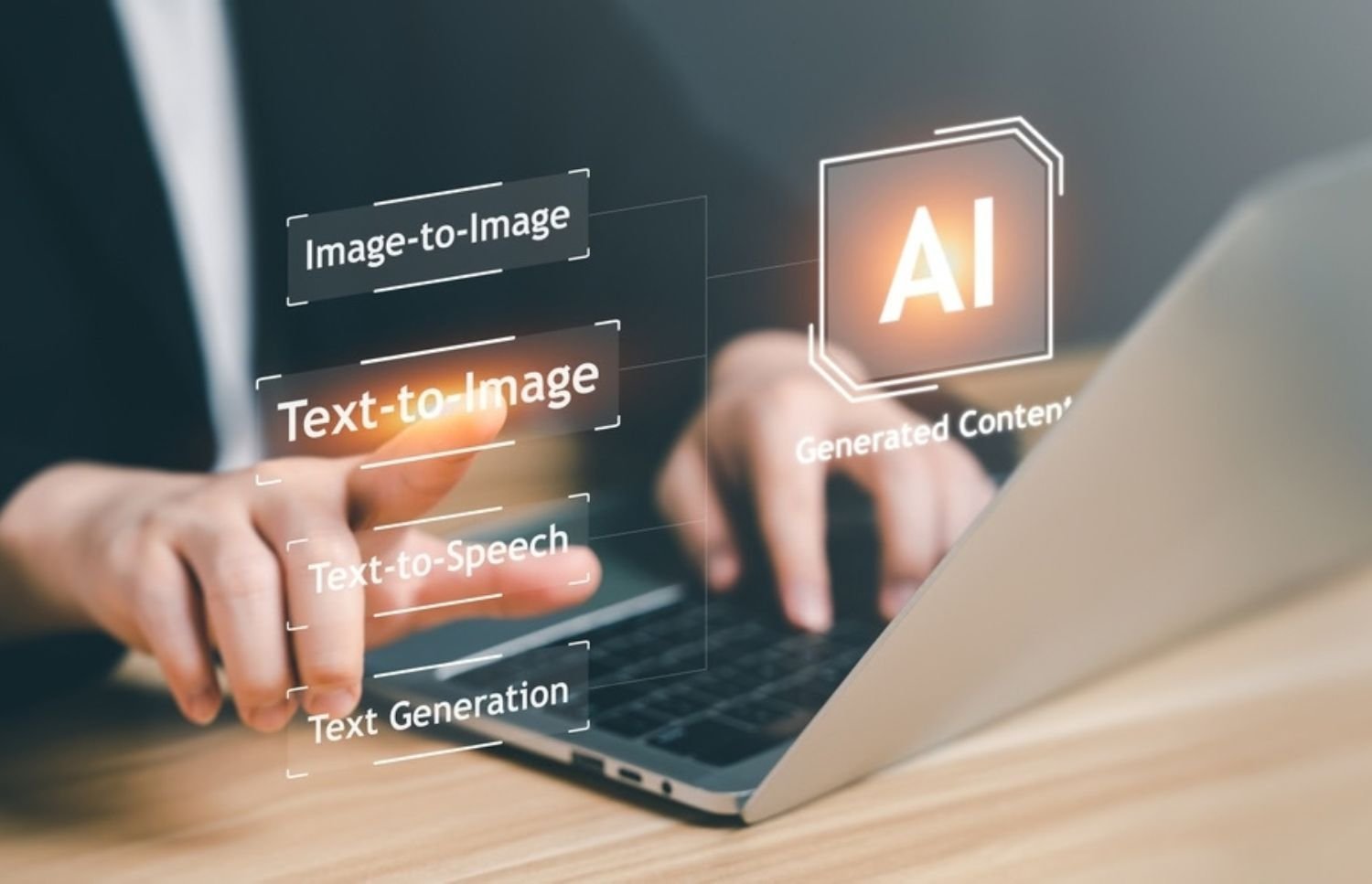
Creating digital concepts with software gives marketing teams a quick way to develop new visuals. But moving AI-generated sign artwork from a screen to a physical sign requires proper file preparation. AI tools can produce an appealing image in seconds, but sign fabrication depends on artwork that can be edited, scaled, cut, and printed accurately.
One of the main challenges is resolution and file structure. Raster images are made from pixels, so they can become blurry or distorted when enlarged for a storefront or large display. AI-generated images may also not match the exact dimensions and dots per inch (DPI) a project requires. Preparing the artwork in the right format before production helps avoid those problems and keeps the project moving.
AI-Generated Sign Artwork Is Not Automatically Production-Ready
AI image generators commonly produce raster graphics, which can work for digital mockups and print-only applications when the resolution suits the intended output size. However, these images may be difficult to adapt when a design needs precise lettering, separate components, or specific dimensions.
AI can modify raster artwork quickly by manipulating individual pixels. For designers, making detailed manual corrections can take considerably longer because individual areas may need to be refined pixel by pixel. AI-generated revisions may also miss customer instructions, leaving designers to correct details before the artwork is ready for production.
Machining presents a different challenge. CNC routers and other cutting equipment require defined paths or compatible machine instructions to determine where and how materials should be cut. A raster image alone cannot provide this information, so it must be converted into suitable vector paths or another compatible machine-ready format before machining.
A concept that looks convincing on a screen may still need substantial preparation before fabrication. The next step is determining which file format gives designers the control and precision needed for the finished sign.
What Makes a Vector File Different for AI-Generated Sign Artwork?
Unlike raster graphics, vector files use mathematical paths to define shapes and lines. This allows artwork to be resized without losing edge sharpness, making vectors useful for logos, lettering, and signs that need to work at different scales.
Vector artwork also makes targeted revisions easier. Designers can select individual paths, shapes, and objects instead of editing pixels across an image. This gives them greater control when incorporating customer feedback, adjusting proportions, or correcting specific details.
Vector graphics offer several advantages for physical signage:
Scalability: Artwork can be resized from small signs to large building displays without becoming pixelated.
Editable elements: Designers can adjust shapes, lettering, and colors individually.
Defined paths: Compatible cutting and machining equipment can follow the required outlines.
Layer separation: Distinct elements can be organized for different colors, materials, or fabrication stages.
Consistent reproduction: Logos and other graphic elements can retain their intended proportions across applications.
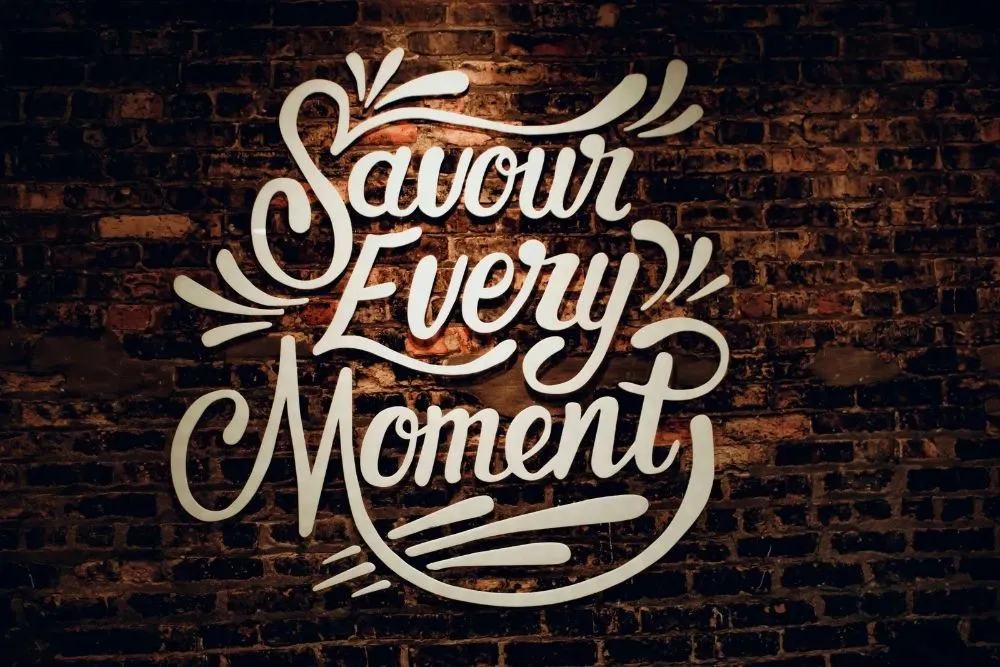
Converting AI-generated sign artwork into an editable vector file helps bridge the gap between an initial concept and a production-ready design. For applications such as dimensional lettering, this preparation is particularly important because the artwork must support the intended fabrication process.
Why Vector Files Matter for AI-Generated Sign Artwork in Production
A production-ready file gives the fabrication team usable artwork rather than an image that must be recreated or extensively corrected. Proper preparation also helps maintain brand consistency across signs, displays, and other branded materials.
The benefits extend throughout manufacturing:
Clean outlines help preserve the appearance of enlarged graphics and lettering.
Compatible vector paths provide cutting equipment with defined shapes to follow.
Editable artwork allows designers to implement approved revisions before materials are processed.
Reviewing files before production helps identify potential issues before they cause delays or waste.
The appropriate file format depends on the material, production method, and finished design. For example, separate vector layers can help distinguish components or position multiple vinyl colors accurately. This is useful for applications such as custom vinyl printing, where properly prepared artwork supports accurate reproduction.
Raster images can remain suitable for printing when their resolution meets the project's requirements. Machining, however, requires appropriate paths or machine-ready instructions rather than a raster image alone.
What to Check Before Submitting AI-Generated Sign Artwork
Before submitting artwork to a sign company, confirm the required dimensions, colors, resolution, and file format. Guidance on scalable vector files explains why enlarging pixel-based images can produce visible distortion.
AI-generated images do not always match the requested physical dimensions or DPI. Checking the image's actual pixel dimensions against the intended print size helps determine whether it contains enough detail. Increasing the DPI setting alone does not create missing pixels or restore lost detail.
A PNG may be suitable for a print-only application if its resolution is sufficient, but it generally does not provide the editable vector paths needed for machining. If your team has created AI-generated sign artwork, ask whether it should be converted into a vector file or prepared in another format suited to the intended production method.
Discussing the project with the sign company before finalizing the artwork can prevent unnecessary revisions. The team can explain the requirements for printing, vinyl cutting, routing, dimensional lettering, or projects involving multiple materials. For designs that need further refinement, product design services can help translate the initial concept into artwork suited to physical production.
Preventing Costly Manufacturing Mistakes With Custom Digital Graphics
Artwork errors are easier to correct before materials are ordered or cut. A thorough pre-flight artwork validation can identify problems with dimensions, resolution, colors, and file compatibility before they affect production.
Rebuilding low-quality artwork can add significant time to a project, particularly when detailed logos or lettering need to be recreated as editable paths. For businesses working toward a grand opening or another fixed deadline, these corrections can disrupt the production schedule. Reviewing the artwork early allows the team to resolve technical issues before fabrication begins.
The fabrication team can also clarify which elements need revision and which are ready to use. Once the files meet the project's requirements, sign manufacturing and installation can take the approved design through production and into its intended setting.
How Signsmiths of Texas Prepares Artwork for Production
Our team reviews artwork before physical sign fabrication begins. If a file needs adjustments or additional preparation, we can identify the issues that need attention based on the type of sign being produced.
Our work spans a range of signage, including channel letter signs, as well as the fabrication and installation needed to bring designs into physical spaces. Considering artwork alongside the intended production method helps connect the approved concept with the finished sign.
When reviewing AI-generated sign artwork, our team can discuss file formats, colors, dimensions, DPI, and fabrication requirements. We can assess how the design will be used and help determine the preparation needed before production. For customer-requested changes, editable vector artwork also gives designers greater control over individual elements.
Professional Preparation Ensures Lasting Brand Impact
A strong sign depends on more than an appealing concept. Its artwork must suit the dimensions, materials, and production methods required to create the finished piece. Addressing those details early helps reduce avoidable rework and preserve the intended design.
Signsmiths of Texas provides custom signage services across Collin County. If you have AI-generated sign artwork ready for a project, our team can review the files and help determine the next steps. Businesses extending their branding indoors can also consider custom wall graphics to carry their visual identity throughout an interior space. Speak with our specialists to discuss your project requirements.